📊 Audit and Harden Ubuntu with Lynis
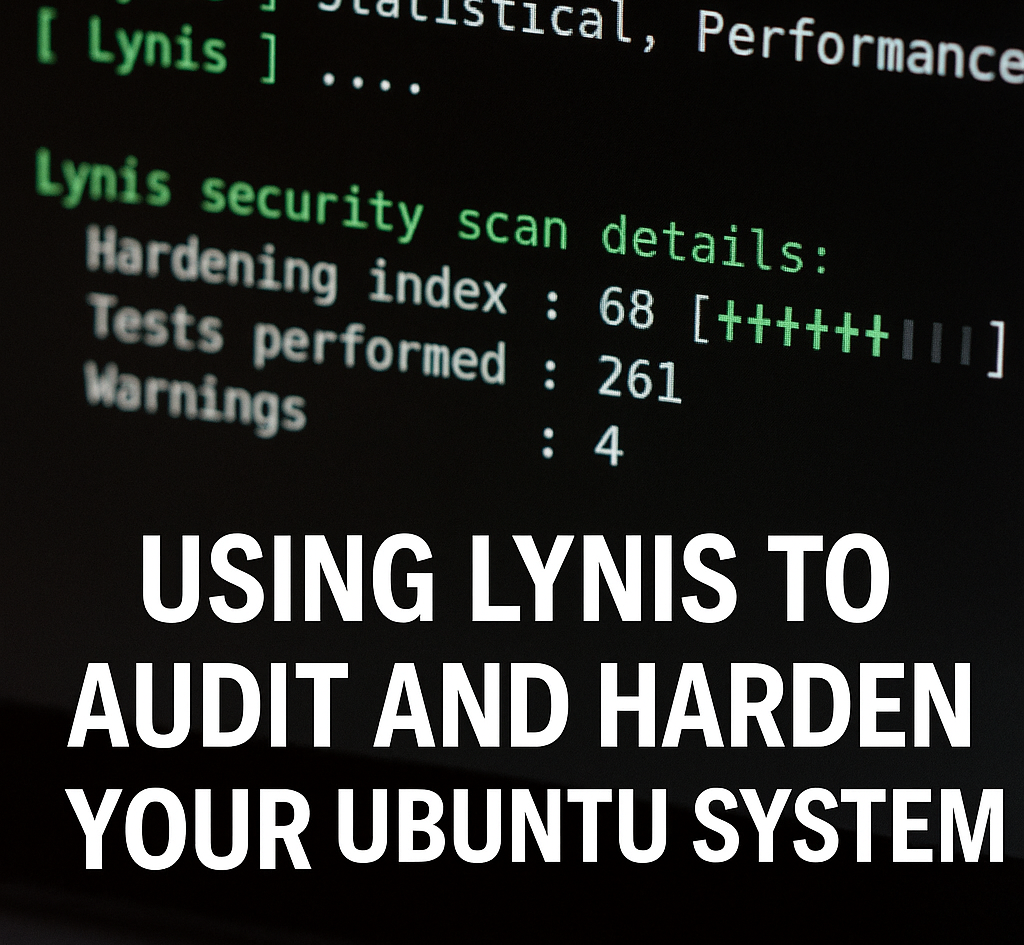
🔍 How to Use Lynis to Audit and Harden Your Ubuntu System
Lynis is a powerful open-source security auditing tool for Unix-based systems. It scans your system for vulnerabilities and provides detailed suggestions to harden your server or desktop.
In this guide, you’ll learn how to install, run, and interpret Lynis results to improve your Ubuntu system’s security.
📦 Step 1: Install Lynis
First, install Lynis from the APT repository:
1
2
sudo apt update
sudo apt install lynis -y
🧠 Lynis can also be cloned from GitHub for the latest version, but the APT version is fine for most users.
▶️ Step 2: Run a Basic Audit
Run the following command to start a system audit:
1
sudo lynis audit system
Lynis will run a series of tests (boot config, kernel, services, firewall, file permissions, etc.) and then print a summary.
You’ll see output like:
1
2
3
Hardening index : 67 [############        ]
Suggestions     : 15
Warnings        : 5
📊 The “Hardening index” tells you how secure your system is, scored out of 100.
🧾 Step 3: Review the Log and Report
After the audit finishes:
- The full report is saved at:
1
/var/log/lynis.log
- Suggestions and warnings are listed in:
1
/var/log/lynis-report.dat
Use nano to review the report:
1
sudo nano /var/log/lynis-report.dat
Look for lines starting with suggestion[]=, warning[]= — these highlight actionable steps to improve your system.
🛡 Step 4: Take Action Based on Suggestions
Some common suggestions include:
- Enable automatic security updates
- Configure AppArmor or SELinux
- Disable unused services (e.g., telnet, ftp)
- Set stronger password policies
- Restrict root login
Each recommendation usually includes a related configuration file or command to apply.
Take your time and apply them one-by-one.
🗓️ Step 5: Schedule Regular Audits
To keep your system secure over time, run Lynis regularly via cron:
1
sudo crontab -e
Add this line to run a weekly audit (Sunday at 1 AM):
0 1 * * 0 lynis audit system --quick
In nano, save with Ctrl+O, press Enter, and exit with Ctrl+X.
✅ You’re One Step More Secure
Lynis is a must-have tool for Linux security. Even if you’re not a security expert, it provides clear, actionable insights to tighten your defenses.
Audit regularly, fix what you can, and build up a stronger system — one suggestion at a time. 🔐🐧